If your sandpaper keeps falling off your orbital sander, it’s usually not just a simple mismatch or user error. The issue often involves several factors working together.
Compatibility between the sanding pad and paper backing plays a big role. Wear on the hook-and-loop system can also reduce grip effectiveness. Additionally, dust accumulation can interfere with the connection.
Understanding how these elements interact is essential to diagnosing the problem effectively—and avoiding repeated frustration. Let’s examine the key causes and what you can do to maintain a secure hold.
Common Reasons Sandpaper Slips Off Orbital Sanders
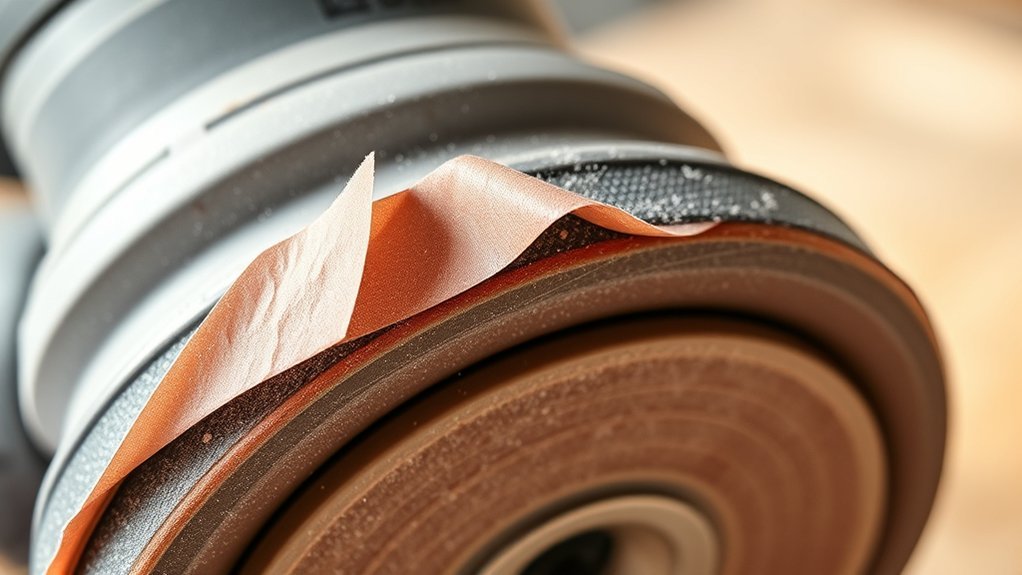
Why does your sandpaper keep slipping off the orbital sander? The primary cause often lies in improper abrasive compatibility. If the sandpaper’s backing material doesn’t match the sander’s attachment system, whether hook-and-loop or PSA (pressure-sensitive adhesive), the grip weakens, leading to attachment failure.
Additionally, worn-out or contaminated surfaces on either the sanding pad or the sandpaper reduce friction, further increasing slippage risk. You should also evaluate the condition of the abrasive material; low-quality or incompatible abrasives may not conform properly to the pad, compromising adhesion.
Ensuring that you select sandpaper specifically designed for your orbital sander’s attachment type and maintaining clean, undamaged surfaces will significantly reduce detachment issues and improve performance.
How the Sanding Pad Affects Sandpaper Grip
How does the sanding pad influence the grip of your sandpaper on an orbital sander? The sanding pad’s material, texture, and condition directly impact sandpaper grip. A worn or damaged pad reduces friction, causing slippage and durability issues with the sandpaper.
The sanding pad’s material and condition are crucial for maintaining strong, reliable sandpaper grip on an orbital sander.
You must perform compatibility checks to ensure the pad’s surface matches the sandpaper’s backing type. Hook-and-loop pads require loop-backed sandpaper, while adhesive-backed variants demand smooth, flat pads.
Additionally, pad hardness affects grip stability. A pad too soft may deform under pressure, compromising adhesion, while an overly rigid pad may not conform adequately, reducing contact area.
Regular inspection and replacement of the sanding pad prevent grip failures. Understanding the sanding pad’s role enables you to maintain optimal sandpaper adhesion and avoid operational disruptions.
Choosing the Right Sandpaper Backing for Your Orbital Sander
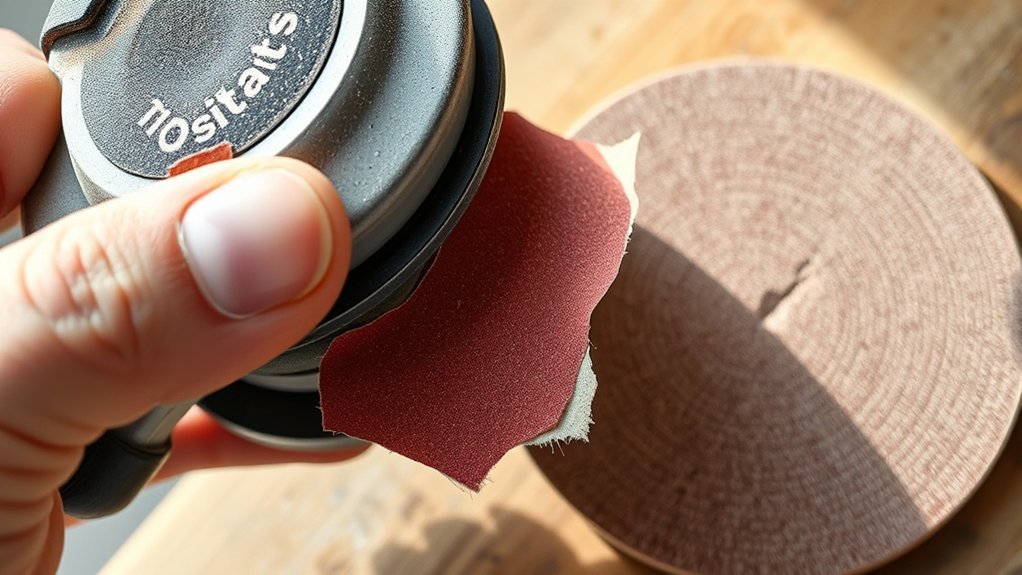
The effectiveness of your orbital sander depends not only on the sanding pad but also on selecting the appropriate sandpaper backing. Using the wrong backing can compromise adhesion, causing the sandpaper to fall off frequently. Ensuring pad compatibility is essential for optimal grip and performance. You should consider:
- Paper Backing Type: Choose between paper, cloth, or film backing based on durability and flexibility needs.
- Hook-and-Loop Compatibility: Match sandpaper backing with the sander’s hook-and-loop system for secure attachment.
- Backing Thickness: Thicker backings may reduce flexibility, affecting contact with the work surface.
- Adhesion Quality: Opt for sandpaper with adhesive properties designed for your sander’s pad material.
When the Orbital Sander’s Hook-And-Loop System Wears Out
When does your orbital sander’s hook-and-loop system stop holding sandpaper securely? Typically, this occurs after prolonged use, when the hooks become flattened or clogged, reducing their grip strength.
You might mistake this failure for an unrelated topic like sandpaper quality or adhesive issues, but worn hooks are often the root cause. Unlike a random discussion about external factors, this wear directly impacts the mechanical interface between the sander and sandpaper.
Over time, repeated attachment and detachment degrade the hook fibers, diminishing friction and causing frequent sandpaper slippage. To maintain reliable adhesion, inspect the hook-and-loop pad regularly for signs of wear and replace it when hooks lose their stiffness.
Addressing this ensures consistent sanding performance and prevents frustration from sandpaper falling off mid-task.
How Dust and Debris Cause Sandpaper to Lose Hold
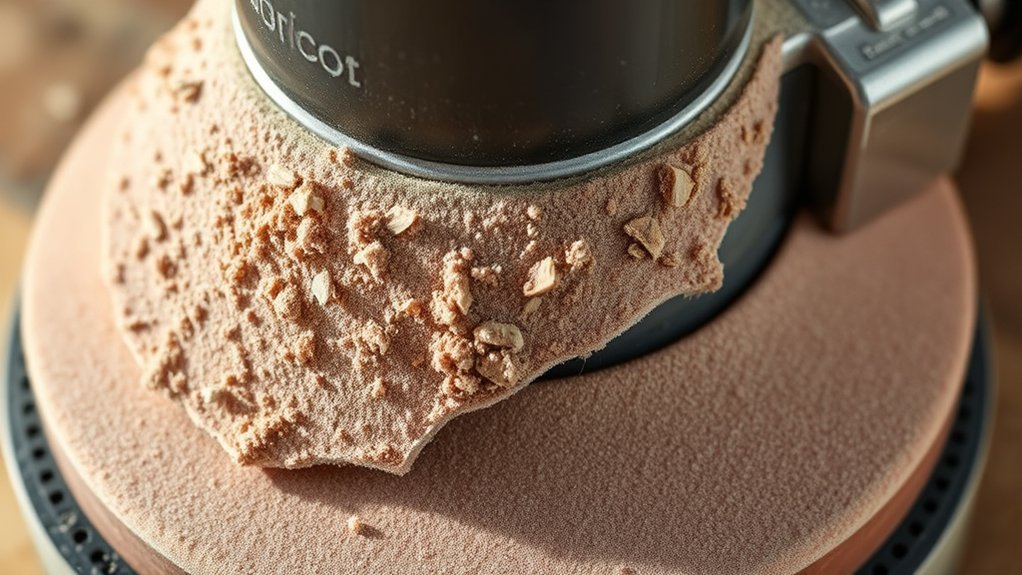
Dust and debris accumulate on the hook-and-loop pad and sandpaper backing, markedly reducing their gripping ability. This dust buildup and debris accumulation create a barrier that prevents the hooks from engaging properly with the loops, causing the sandpaper to slip or fall off during use.
You’ll notice reduced adhesion due to:
- Fine dust particles clogging the loop fibers
- Larger debris creating uneven surface contact
- Electrostatic attraction holding dust in place
- Moisture mixing with dust, forming a paste-like residue
Regularly cleaning both the pad and sandpaper backing is essential. Use compressed air or a stiff brush to remove dust buildup and debris accumulation.
Neglecting this maintenance compromises the mechanical interlocking of the hook-and-loop system, leading to premature sandpaper detachment and inefficiency in sanding performance.
How Sanding Pressure Affects Sandpaper Grip
How much pressure you apply during sanding directly influences the sandpaper’s grip on the orbital sander’s pad. Excessive sanding pressure can deform the pad slightly, reducing contact area and causing the sandpaper to slip or peel away.
Conversely, too little pressure may not engage the abrasive surface fully, resulting in inefficient sanding and potential detachment. Your grit choice also plays a role; coarser grits require more consistent pressure to maintain adhesion because their larger abrasive particles create uneven surfaces that challenge secure attachment.
Why Using the Wrong Sandpaper Size Causes Slipping
Why does using the wrong sandpaper size cause your orbital sander’s abrasive sheet to slip? A size mismatch directly affects the fit and tension between the sandpaper and the sander’s pad, leading to slipping issues. When the wrong sandpaper is used, it can either be too large or too small, disrupting the backing compatibility essential for secure attachment.
This results in improper grip and diminished contact surface, causing the abrasive sheet to shift or detach during operation.
Key factors include:
- Excess material on oversized sheets prevents full seating on the pad.
- Undersized sheets lack sufficient surface area for secure hold.
- Misaligned holes reduce vacuum or hook-and-loop engagement.
- Incompatible backing materials fail to bond correctly with the sander’s pad.
Choosing the correct sandpaper size ensures optimal backing compatibility and prevents slipping issues.
Tips for Properly Attaching Sandpaper to Your Orbital Sander
Selecting the correct sandpaper size is only the first step; properly attaching it to your orbital sander ensures consistent performance and prevents slippage. First, verify pad compatibility by matching the sandpaper’s backing type with the sander’s pad surface. Hook-and-loop systems require loop-backed sandpaper, while PSA (pressure-sensitive adhesive) pads demand adhesive-backed sheets.
Next, choose the appropriate attachment method: hook-and-loop offers quick changes and secure hold, whereas PSA provides a firmer bond but less reusability. When applying sandpaper, align it precisely with the pad edges to avoid uneven wear or peeling. Press firmly across the entire surface to ensure full contact. Regularly inspect the attachment for any lifting edges and correct immediately to maintain optimal sanding efficiency and prevent detachment during operation.
When to Replace Your Sanding Pad to Fix Slipping Issues
When do you know it’s time to replace your sanding pad to stop your sandpaper from slipping? Monitoring the pad lifespan is crucial since worn-out pads lose grip, causing slipping. Regular dusting maintenance also extends pad efficiency, but persistent slipping indicates replacement.
Knowing when to replace your sanding pad is key to preventing sandpaper slipping and ensuring optimal grip.
Look for these signs to decide if replacement is necessary:
- Visible wear or smooth patches reducing friction
- Frequent sandpaper detachment despite proper attachment
- Hardened or clogged hook-and-loop surfaces affecting grip
- Reduced pad thickness compromising contact and stability
Ignoring these signals can degrade sanding quality and increase downtime. Replace the pad promptly to maintain consistent sanding performance and avoid operational inefficiencies caused by slipping sandpaper.
DIY Fixes to Keep Sandpaper From Slipping During Sanding
If replacing the sanding pad isn’t immediately feasible or you want to extend its usability, several DIY methods can help secure the sandpaper. Start by cleaning both the sanding pad and sandpaper backing to remove dust and oils, improving adhesion.
Apply a thin layer of spray adhesive or repositionable glue designed for sandpaper to enhance grip without damaging the pad. Another practical option is adding a double-sided adhesive tape around the pad’s edge to prevent slippage.
Avoid irrelevant tangents like unrelated critiques of sander brands or unrelated sanding techniques. They distract from the core issue. Focus on these targeted fixes to improve sandpaper retention effectively.
Frequently Asked Questions
Can Humidity Affect Sandpaper Adhesion on Orbital Sanders?
Yes, humidity effects can reduce sandpaper adhesion on orbital sanders. Moisture causes the adhesive backing to weaken, leading to poor grip.
You should store sandpaper in a dry environment to maintain optimal adhesion and performance.
Does Sandpaper Grit Type Impact Slipping on Orbital Sanders?
Think of grit compatibility as the key that unlocks optimal sandpaper adhesion. If the grit’s too coarse or fine, it disrupts the bond, causing slipping.
Matching grit type precisely ensures your orbital sander grips firmly every time.
How Often Should I Clean My Orbital Sander’s Sanding Pad?
You should clean your orbital sander’s sanding pad after every few hours of use to prevent clogging. Breaking old habits and understanding sanding jargon, like “loading,” helps maintain optimal adhesion and prolongs pad lifespan efficiently.
Are There Specific Brands Known for Better Sandpaper Grip?
You’ll find brands like 3M and Mirka excel in brand compatibility and adhesive performance. Their sandpapers maintain secure attachment, reducing slippage substantially, thanks to optimized hook-and-loop systems tailored for specific orbital sander models.
Can Electric Orbital Sanders Cause Sandpaper to Wear Out Faster?
Yes, electric orbital sanders can cause sandpaper to wear out faster due to intense orbital vibration accelerating abrasive breakdown. However, efficient dust collection helps reduce clogging, extending sandpaper life by maintaining consistent abrasive contact during use.
Conclusion
If your sandpaper keeps flying off like a rebellious frisbee, it’s time to act. Mismatched backing, worn pads, and dust buildup aren’t just minor nuisances—they’re sabotage to your sander’s grip. Precision matters: align edges, choose compatible materials, and maintain your hook-and-loop system to avoid chaos.
Regular inspection and timely replacements transform frustration into flawless sanding. Don’t let slipping sandpaper turn your project into a wild, uncontrollable mess.
Take control with these exact fixes to ensure your sandpaper stays firmly attached to your orbital sander.