Imagine the smooth, swirling pattern an orbital sander leaves on wood—its speed carefully tuned to the task at hand.
Choosing the right speed for orbital sander use is essential for achieving the best finish.
You can’t just set it to max and expect flawless results; the right speed depends on the material’s hardness, the grit of your sandpaper, and the precision you need.
Getting this balance wrong risks damage or inefficiency, but mastering it puts control firmly in your hands.
Let’s explore how to choose that ideal speed.
How to Set the Optimal Orbital Sander Speed
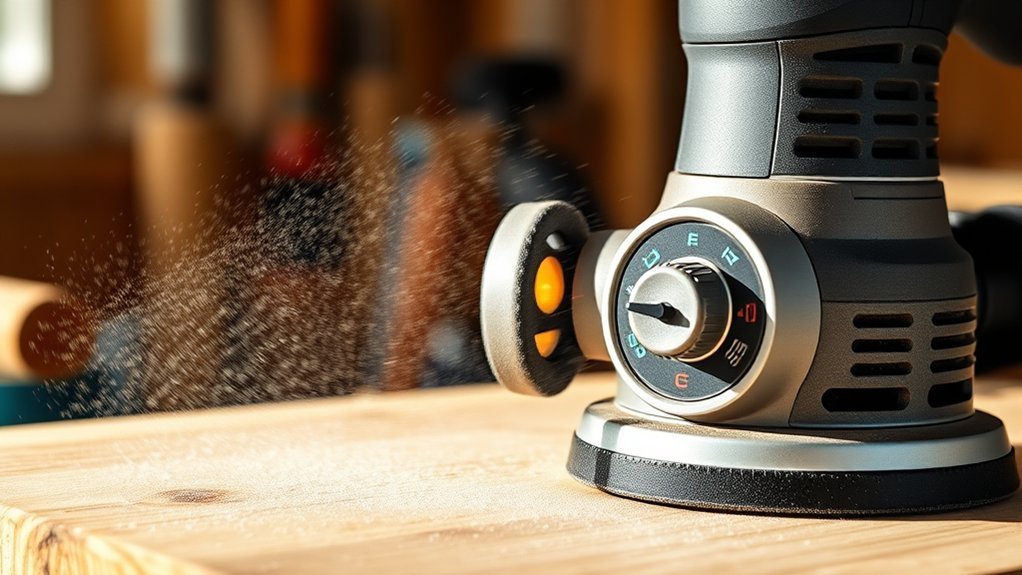
Determining the optimal orbital sander speed starts with understanding the material you’re working on and the abrasive grit in use. When setting your tool, consider the topic pair of the material and abrasive to guide your speed considerations.
Harder materials or finer grits typically require higher speeds for efficiency, but you must account for material limitations to avoid surface damage. As a setup tip, start at a moderate speed and incrementally adjust while monitoring performance and heat generation.
Avoid exceeding the sander’s maximum recommended speed to maintain control and prevent premature wear. Balancing these factors ensures you maximize sanding effectiveness without compromising the substrate or abrasive life, leading to a precise and repeatable finish.
Staying disciplined with these setup tips optimizes your sanding process.
Orbital Sander Speeds for Different Materials
How do you choose the right orbital sander speed for different materials? Start by ensuring material compatibility, as softer materials require lower orbital speed to avoid gouging, while harder surfaces tolerate higher speeds for efficient abrasion.
Adjusting orbital speed ensures finish consistency; too fast can cause uneven sanding or heat buildup, too slow may prolong work and reduce smoothness. For delicate materials like softwood or plastics, use lower speeds (around 8,000-10,000 OPM) to prevent damage.
Adjust orbital speed carefully—too fast causes heat and unevenness, too slow extends work and lessens smoothness.
Hardwoods and metals benefit from higher speeds (up to 12,000 OPM) to maintain productivity without sacrificing finish quality. Additionally, consider dust management. Higher speeds generate more dust, requiring effective extraction to maintain visibility and prevent clogging.
Matching orbital speed precisely to material properties optimizes both finish consistency and tool performance.
Orbital Sander Speeds for Common Tasks
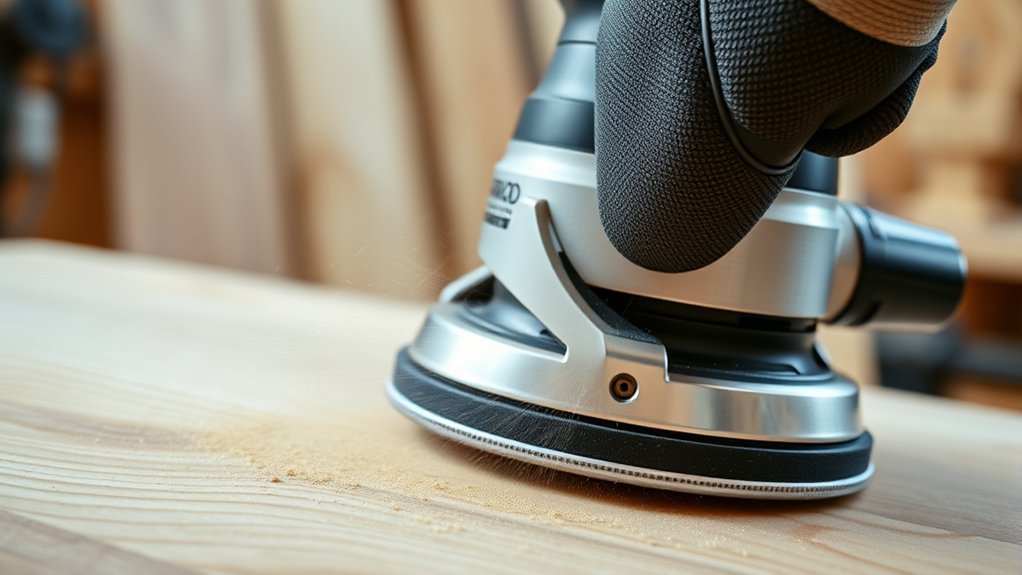
Choosing the right orbital sander speed depends heavily on the specific task you’re tackling. For fine finishing, lower speeds around 6,000–8,000 OPM optimize facet synergy, ensuring smooth surface refinement without damaging the material.
Medium speeds near 10,000 OPM suit general sanding, balancing aggressive material removal with control. When stripping paint or removing rust, higher speeds up to 12,000 OPM maximize efficiency but require caution to avoid overheating.
Noise considerations also play a role; lower speeds reduce operational noise, improving comfort during extended use. Adjusting speed settings allows you to tailor the sander’s performance precisely, enhancing both surface quality and user experience.
Understanding how speed interacts with each task’s demands will help you achieve optimal results while maintaining equipment longevity.
Avoid These Common Orbital Sander Speed Mistakes
Why risk damaging your work by using improper orbital sander speeds? To avoid common mistakes, you need to approach speed selection with technical accuracy.
Setting the speed too high can overheat the material, causing burns or uneven surfaces. Conversely, too low a speed reduces efficiency and leaves scratches.
Excessive speed risks overheating and damage, while too slow leaves scratches and wastes time.
A frequent error is neglecting to adjust speed based on material type; softer woods require slower speeds, while harder surfaces tolerate faster rates.
Another mistake is ignoring the grit of the sandpaper in relation to speed. Coarser grits need slower speeds to prevent tear-out.
To optimize results, match the orbital sander speed precisely to the task and material. By understanding these factors, you’ll avoid common mistakes and maintain control, ensuring a professional finish every time.
How to Keep Control and Prevent Damage While Sanding
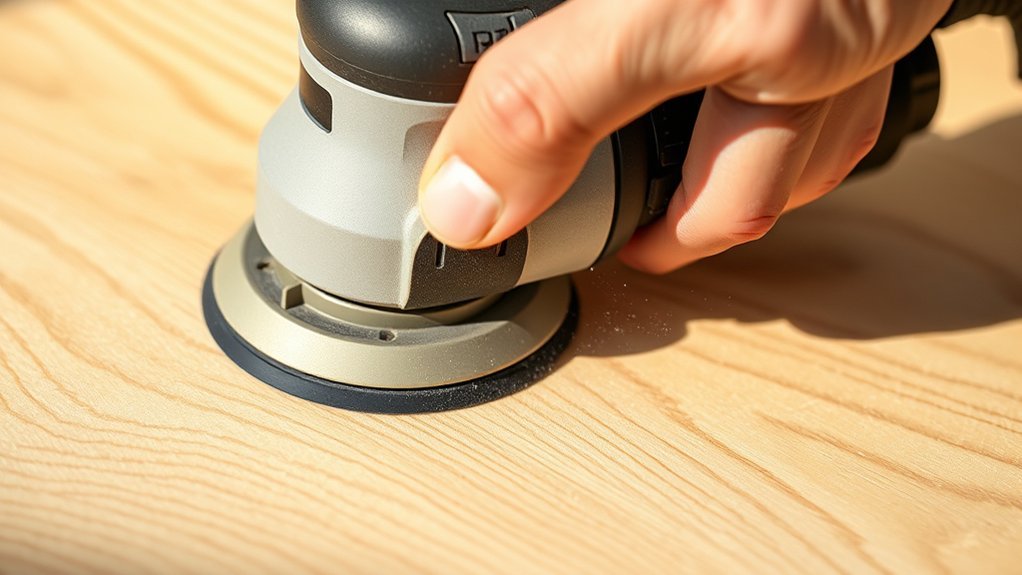
When do you know if you’re applying the right amount of pressure and maintaining proper speed to keep control while sanding? The key lies in balancing orbital control with consistent speed settings. Excessive pressure or speed causes uneven sanding and surface damage, while insufficient pressure reduces efficiency.
This two word discussion, orbital control, focuses on how your hand movement and speed adjustments affect the sander’s interaction with the material. To prevent damage, maintain a moderate speed suited to the material’s hardness and use light, even pressure.
Avoid forcing the sander; let its orbital action do the work. Monitor the surface frequently to detect early signs of burning or gouging. By mastering this balance, you sustain control and ensure a smooth, damage-free finish.
Frequently Asked Questions
What Is the Difference Between Orbital and Random Orbital Sanders?
You’ll face orbital sander confusion if you don’t note that orbital sanders move in a circular motion, while random orbital sanders combine circular and elliptical orbits, reducing swirl marks. This random orbital distinction improves finish quality.
Can Orbital Sanders Be Used for Polishing Surfaces?
Imagine sculpting a delicate statue. Orbital sanders can do orbital polishing but lack finesse compared to random orbit models.
You’ll find random orbit vs. speed control offers smoother, more consistent polishing results on sensitive surfaces.
How Do I Maintain and Clean My Orbital Sander?
To maintain and clean your orbital sander, regularly empty the dust collection system, wipe down the exterior, and inspect the sanding pad for wear.
Proper dust collection prevents clogging, ensuring efficient operation and prolonging tool lifespan.
Are There Safety Precautions Unique to Orbital Sanders?
You must prioritize orbital sander safety by wearing eye and respiratory protection and ensuring dust collection considerations are met to prevent inhalation hazards.
Also, avoid loose clothing and maintain a firm grip to control tool vibrations precisely.
What Are the Best Brands for Orbital Sanders?
When it comes to the best brands for orbital sanders, you’ll find Bosch, DeWalt, and Makita lead the pack. Their precision engineering guarantees consistent speed control, durability, and ergonomic design for professional-grade sanding performance.
Conclusion
Choosing the right orbital sander speed isn’t guesswork—it’s a calculated balance. You’ll want lower speeds (8,000–10,000 OPM) for soft or delicate materials to avoid heat damage, while harder surfaces handle up to 12,000 OPM for efficiency.
Starting moderate and adjusting based on material response proves more effective than fixed speed assumptions. This nuanced approach prevents sanding errors, ensuring optimal results without compromising your workpiece or tool.
Always prioritize control over speed when determining the best speed for orbital sander use.