If your table saw won’t start, first unplug it and check for tripped breakers or blown fuses. Knowing how to unlock a table saw safely is essential before making any adjustments.
To release the lock, locate and free the locking lever or knob near the blade guard, following your manual’s instructions carefully.
For electronic locks, enter the passcode or use a key fob, and try unplugging the saw briefly to reset it.
Always verify power is off before adjusting locks.
Keep these tips in mind, and you can explore more ways to prevent future lockouts.
Common Reasons a Table Saw Won’t Start
One common reason your table saw won’t start is a tripped circuit breaker or blown fuse. First, check your circuit breaker panel and reset any tripped breakers or replace blown fuses.
Power issues could also stem from faulty wiring either in the saw’s cord or internal connections. Inspect the cord for damage and verify all plugs fit snugly.
Another cause is motor failure, which might require professional repair if the motor doesn’t respond after troubleshooting power sources.
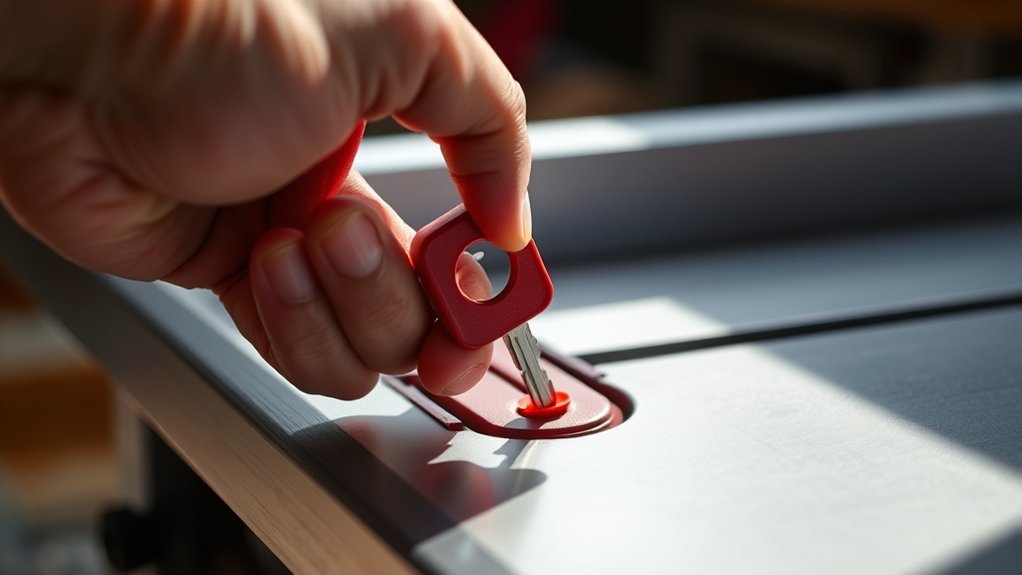
Additionally, many table saws have safety switches or key locks that prevent operation if not properly engaged. Confirm the safety switch isn’t activated or stuck.
How to Unlock Your Table Saw Safely
Before attempting to open your table saw, make sure the power is completely off to prevent accidental startup. Unplugging the saw or switching off the circuit breaker guarantees your safety during saw maintenance.
Next, locate the locking mechanism, usually a lever or knob near the blade guard or fence. Gently release or loosen this to free the saw’s key components. Always follow the manufacturer’s instructions for your specific model to avoid damage or injury.
Find and gently release the locking lever or knob near the blade guard to free key saw parts safely.
Wear safety gloves and keep your hands clear of sharp parts while working. These safety precautions minimize risk and help maintain your saw’s longevity.
Once freed, inspect the blade and moving parts for any debris or damage before resuming work. Proper freeing is essential for safe, effective saw maintenance.
How to Disable and Reset Table Saw Safety Locks
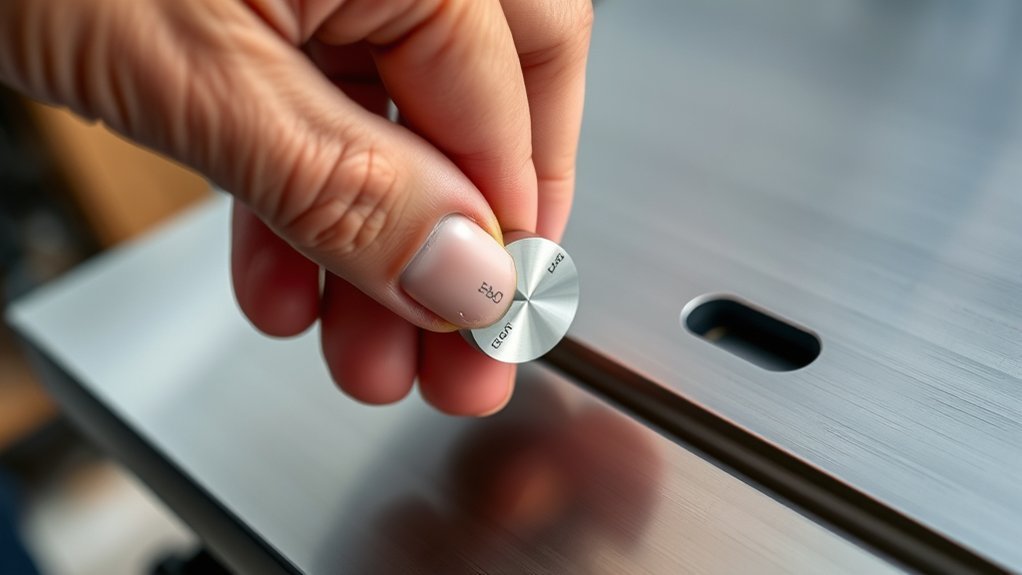
After releasing your table saw safely and guaranteeing all parts are free from debris, you might need to disable or reset the safety locks to perform maintenance or adjustments. These safety features prevent accidental startup but can be temporarily overridden when necessary.
- Disconnect power: Always unplug the saw before working on the safety locks or saw blade to avoid accidental activation.
- Locate the safety lock mechanism: This is typically near the power switch or blade guard. Consult your manual for specifics.
- Disable or reset the lock: Depending on your model, press a reset button or slide a lock switch. For disabling, hold the safety release while making adjustments, then re-engage the lock once done.
Following these steps guarantees you can safely manage your table saw’s safety features without risking injury.
How to Unlock Table Saws With Electronic Locks
Releasing table saws with electronic locks usually involves a few straightforward steps that differ from traditional mechanical locks. First, locate the control panel where the electronic lock mechanisms are housed. You’ll typically need to enter a passcode or use a key fob to open the saw.
If the saw doesn’t respond, check the power supply and verify the batteries (if applicable) are functional. For troubleshooting electronic locks, consult the user manual to identify error codes or reset procedures. Sometimes, unplugging the saw for a minute can reset the lock system.
Avoid forcing the blade or controls, as this can damage the electronics. Following these steps should get your table saw opened safely and efficiently without risking damage to the lock or saw components.
Tips to Prevent Future Table Saw Lockouts
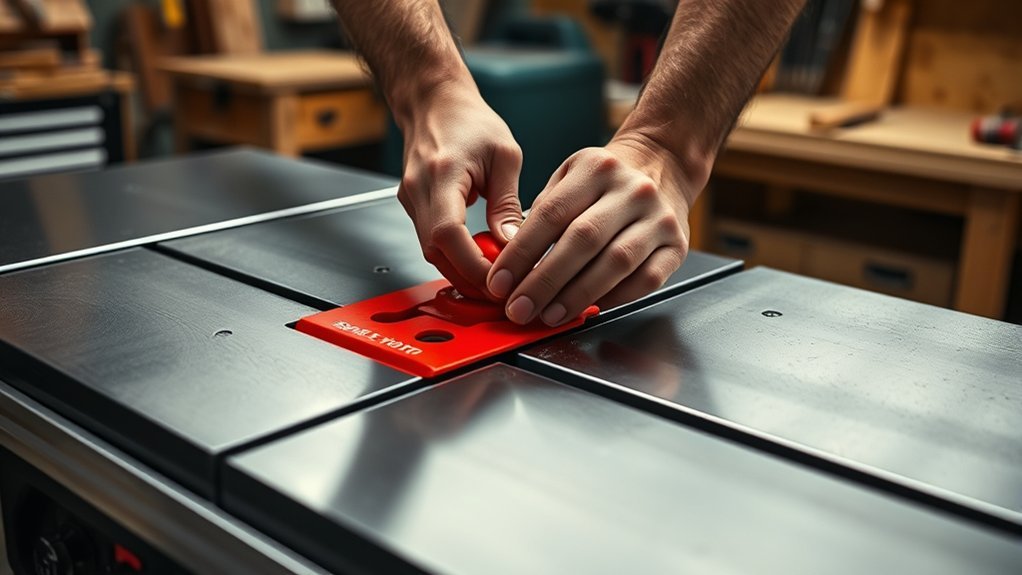
If you’ve dealt with an electronic lock on your table saw, you know how frustrating it can be when it won’t respond. To prevent future lockouts, focus on preventive maintenance and improving your user habits.
Here are three tips to help you avoid these interruptions:
- Regularly Inspect and Clean: Dust and debris can cause electronic locks to malfunction. Clean the locking mechanism and surrounding areas routinely to keep it operating smoothly.
- Follow Proper Shutdown Procedures: Always power off your saw using the recommended steps in the manual. Avoid abrupt unplugging, which can trigger lockouts.
- Monitor Battery and Power Supply: Confirm that batteries (if applicable) and power sources are stable. Replace batteries timely and avoid power surges by using surge protectors.
Frequently Asked Questions
What Maintenance Is Required to Keep a Table Saw Running Smoothly?
You should regularly check blade alignment for accurate cuts, clean and lubricate moving parts, and guarantee your dust collection system is clear.
Keeping these maintained prevents wear and keeps your table saw running smoothly and safely.
How Do I Choose the Right Blade for My Table Saw?
Wondering which blade types suit your cutting materials best? You’ll want a fine-toothed blade for smooth cuts in wood, a carbide-tipped one for durability, and a diamond blade for masonry or metal. Choose accordingly!
Can I Use a Table Saw Outdoors Safely?
You can use a table saw outdoors safely if you prioritize outdoor safety and avoid wet or windy weather. Make sure the area is dry, stable, and well-lit, and always use proper protective gear to prevent accidents.
What Are the Best Safety Gear Items for Table Saw Operation?
You’ll want safety goggles to protect your eyes and hearing protection to shield your ears. Also, wear sturdy gloves, avoid loose clothing, and use a push stick to keep your hands safe while operating the table saw.
How Do I Troubleshoot Unusual Noises From a Table Saw?
When your table saw hums like a restless beast, start noise diagnosis by checking blade alignment and motor bearings.
Regular table saw maintenance, like tightening loose parts and cleaning debris, keeps it purring smoothly and safely for your work.
Conclusion
Releasing your table saw doesn’t have to feel like cracking a safe. By understanding common lock causes and following safe reset steps, you’ll get your saw running smoothly again in no time.
Remember to handle electronic locks carefully and keep safety features intact. With regular maintenance and these tips, you’ll avoid future lockouts—keeping your projects cutting along without a hitch.
Stay safe, stay sharp, and keep sawdust flying! Unlocking a table saw properly ensures your tools remain reliable and efficient for all your woodworking needs.